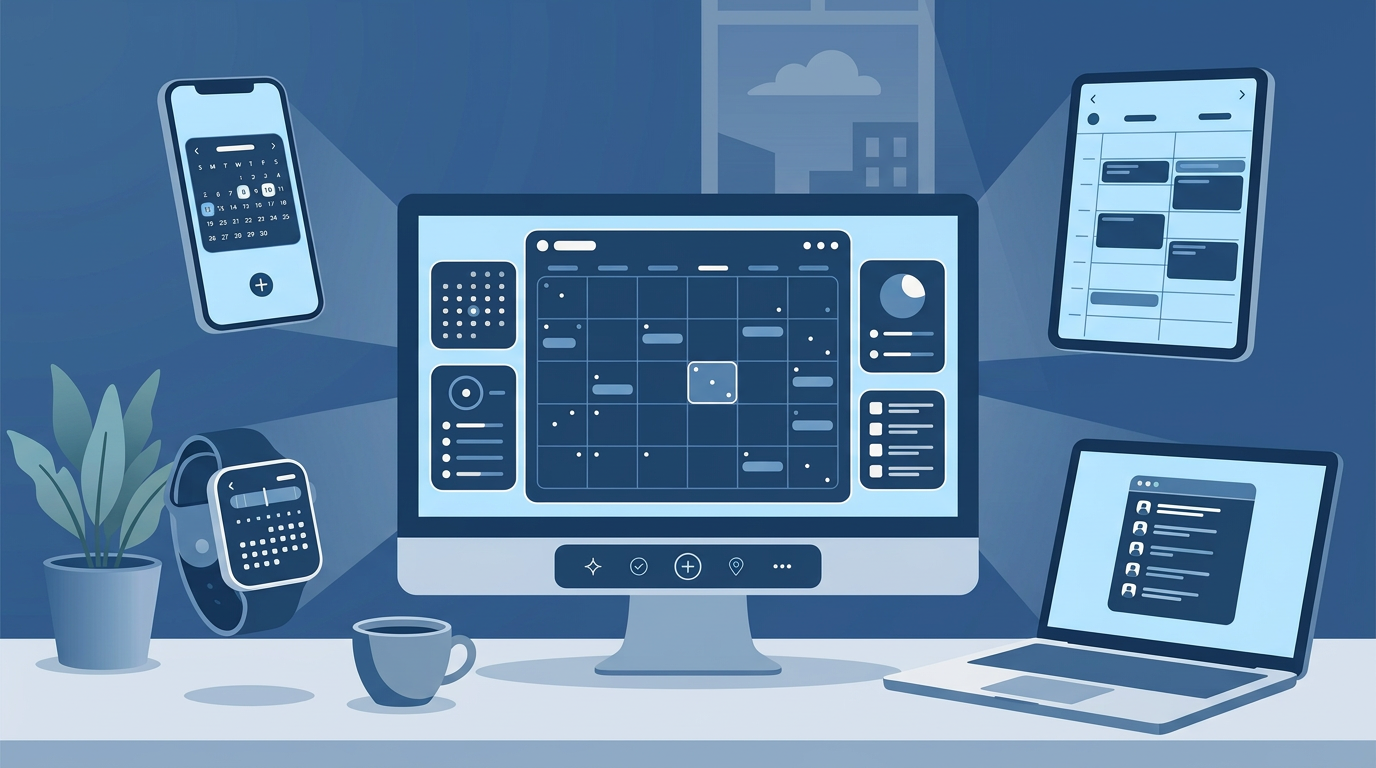
Find meeting times across any company in seconds
See real free/busy availability across teams, vendors, and partners—so you can book the right meeting, faster.
No credit card required
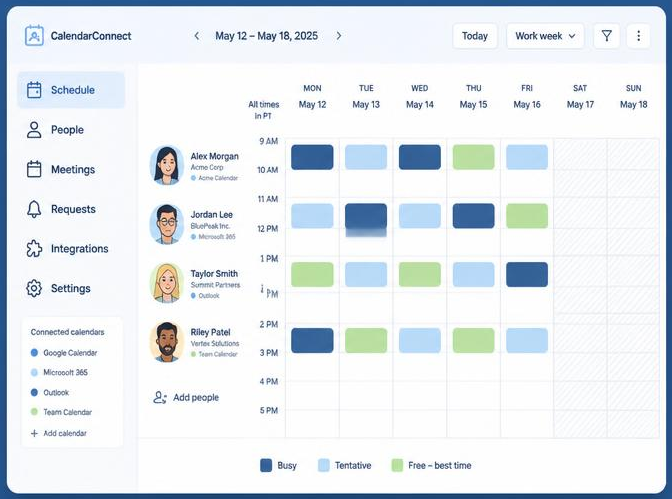
Multiple companies. One shared view.
This is what your partners see: a live overlap of every calendar — whether it's two companies or five — with mutual openings highlighted and ready to book.
Built for the space between companies
Everything you need to coordinate with vendors and partners — nothing that compromises your privacy.
Connect any calendar
Google, Outlook, or Apple — link once and CalendarConnect™ keeps availability in sync across every company you work with.
Free/busy only, always
Partners see when you're available, never what you're doing. Event titles, notes, and attendees stay private.
Instant mutual slots
The overlap engine highlights times that work for everyone — across companies, time zones, and calendar systems.
Time-zone smart
Working hours travel with you. Slots render in each viewer's local time automatically.
Recurring availability checker
Need a recurring meeting? Select a day, time, and frequency — CalendarConnect™ checks all participants across 4 to 12 weeks and shows who is available for each occurrence. Plan your entire recurring schedule in one view.
Team Management
Invite colleagues to share the dashboard so your whole team can coordinate with vendors and partners from one place.
Available on Business tier
Book the meeting
Pick a mutual slot and send the calendar invite in one click. The event is created on your own calendar, so attendees get the invitation from your email address with “Scheduled via CalendarConnect” in the description.
How it works
From a blank project to a booked meeting in four simple steps.
- Step 1
Create a project
Start a project and add your participants by email. Paste them in from Outlook, Gmail, or any source — CalendarConnect™ accepts bulk email lists. It doesn't matter what company they're from or what calendar system they use.
- Step 2
Participants authorize access
Each participant receives a one-time email asking them to connect their calendar. They authorize free/busy access only — no meeting titles, descriptions, or attendee lists are ever shared. One click, done forever.
- Step 3
See when everyone is free
CalendarConnect™ shows a simple overlay of everyone's availability. Green means everyone is free. Amber means some are available. Red means most are busy. Find the right time in seconds, not days.
- Step 4
Check recurring availabilityPro
Need a weekly standup or monthly review? Select your preferred day, time, and frequency. CalendarConnect™ checks all participants across multiple weeks and shows you exactly who is available and who has conflicts for each occurrence. Plan your entire recurring schedule in one view.
- Step 5
Book it and send the invitePro
Click a mutual slot and book the meeting. CalendarConnect™ creates the event on your connected Google or Microsoft calendar and sends the invitation from your own email address to everyone you select.
Works with the calendars you already use
CalendarConnect™ integrates with the calendar systems your team already relies on. No new tools to learn, no migration required.
Google Calendar
Connect with one click via Google OAuth. Free/busy data syncs automatically. Works with personal Gmail accounts and Google Workspace business accounts.
Microsoft 365 / Outlook
Connect your Microsoft work or personal calendar. Supports Exchange Online and Outlook.com. Works with any Microsoft 365 subscription.
Apple Calendar (iCloud)
Coming soon — connect your Apple calendar for cross-platform availability.
CalendarConnect™ reads free/busy status only — the lowest permission level available on any calendar system. No meeting titles, descriptions, attendee lists, or any other content is ever accessed or stored. Participants can revoke calendar access at any time from their own Google or Microsoft account settings.
Stop the “what time works for you?” dance
Share a link, let partners see your real availability, and get meetings on the books the same day. Free for individuals, built to scale for whole partner networks.
Start connecting calendars